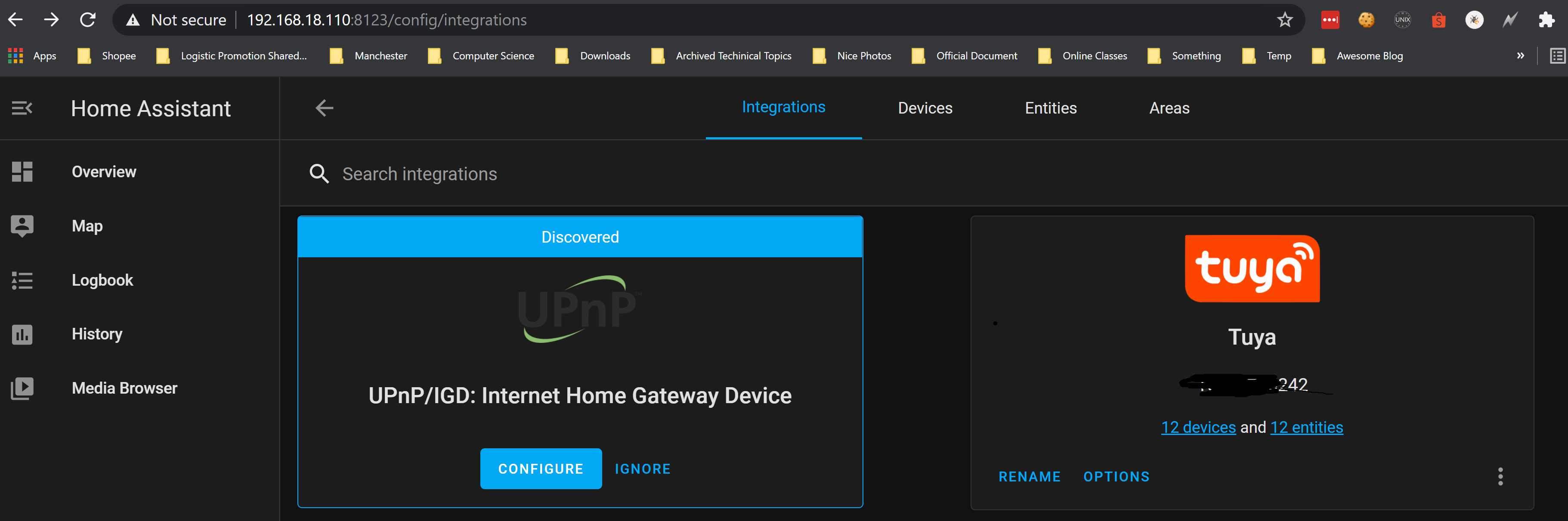
Adding Tuya to your Home Assistant instance can be done via the user interface, by taking the following steps:
After completing, the Tuya integration will be immediately available for use.
During configuration, be careful to select the country code and the platform corresponding to those used by you in the app. Once configuration flow is completed, the devices configured in your app will be automatically discovered.
Additionally, if your username or e-mail address isn’t accepted, please try using your phone number (minus the country code) as your username.
...Let’s imagine you are building an online store that uses the Microservice architecture pattern and that you are implementing the product details page. You need to develop multiple versions of the product details user interface:
In addition, the online store must expose product details via a REST API for use by 3rd party applications.
A product details UI can display a lot of information about a product. For example, the Amazon.com details page for POJOs in Action displays:
Since the online store uses the Microservice architecture pattern the product details data is spread over multiple services. For example,
Consequently, the code that displays the product details needs to fetch information from all of these services.
...