西维蜀黍

【FreeBSD】查看端口占用

Find Used Ports

An example of the netstat command with flags:

## Show listening sockets ##
sockstat -l
 
## Show listening sockets for IPv4 only ##
sockstat -4 -l
 
## Show listening sockets for IPv6 only ##
sockstat -6 -l
  ...


【TrueNAS】OpenVPN Setup

Approach 1 - via UI

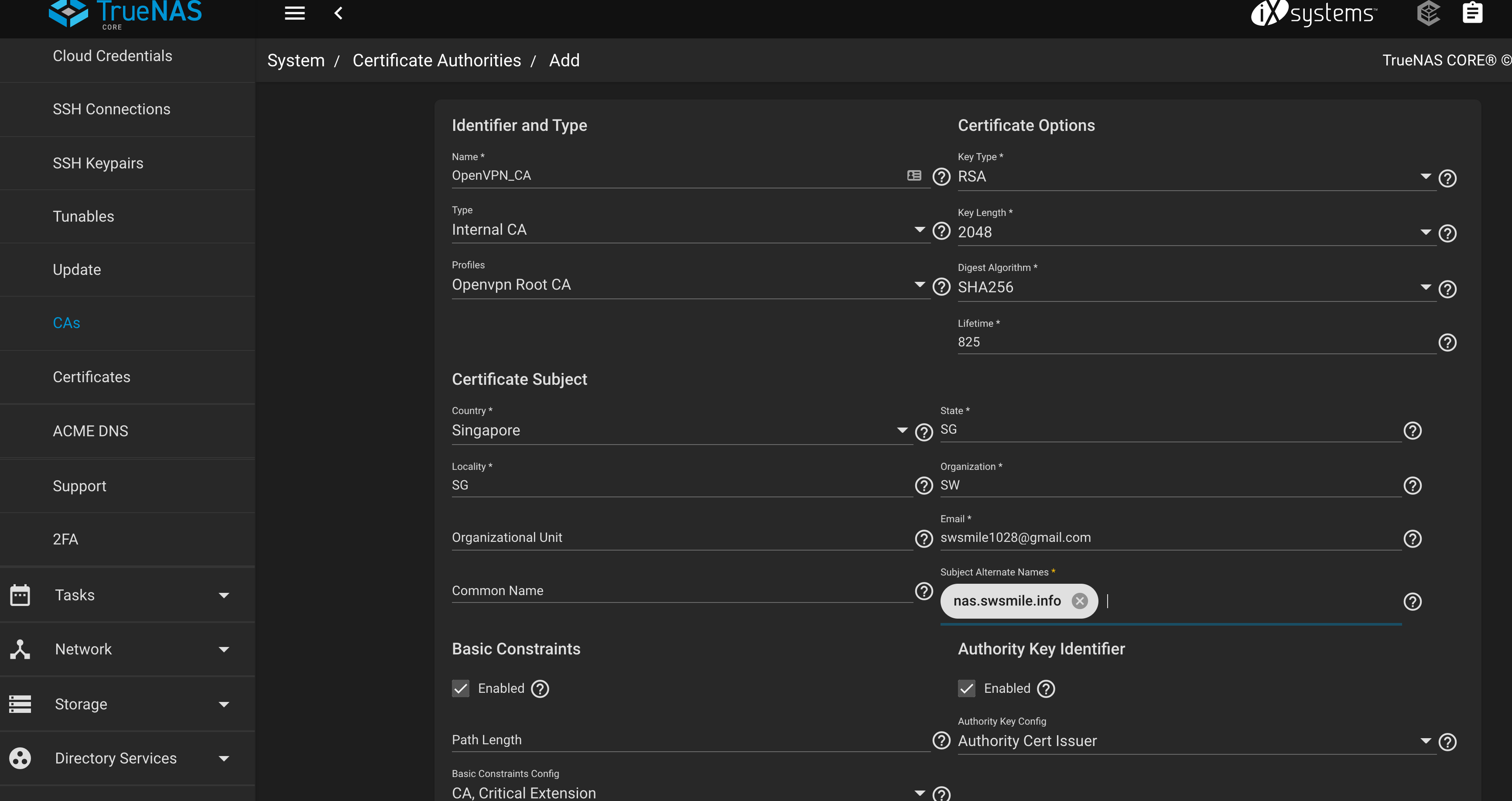
Config CA, Server Certificate and Client Certificate

  ...


【Hackintosh】黑苹果 - PCIE4 M2 SSD 支持

SSD

官方标速

  • Samsung 990 PRO SSD 1T - 安装 macOS

    • PCIe 4.0 x4
    • 7450读,6900写
    • 1400K IOPS Read, 1550K IOPS Write
  • WD SN850 1TB (m.2 slot 1) - 安装 macOS

    • PCIe 4.0
    • 读7000,写5300
    • 1000K IOPS Read, 720K IOPS Write
  • WD SN770 2T

    • PCIe 4.0
    • 读5150,写4850
    • 800/740K IOPS
  • Samsung 970 EVO PLUS 1T (m.2 slot 2) - 安装 Windows 10 Pro

    • PCIe 3.0
    • 读3500,写3300
    • 600K IOPS Read, 550K IOPS Write
  • 海康威视 C2000 Pro 2T

    • PCIe 3.0
    • 读 3400,写3100
    • 420/420K IOPS
  ...


【macOS】Comfast Aquantia AQC107 驱动配置 - Big Sur 11.6.7

Spec

  ...


【Hackintosh】黑苹果 - AMD Ryzen Hackintosh (5950X + Gigabyte Aorus X570 Pro Wifi - Ventura & OpenCore)

Spec

  • CPU: Ryzen 9 5950X
  • Motherboard: Gigabyte AORUS X570 Pro (Bios Revision - F37b) (overclock)
  • RAM: Corsair Pro Vengeance 32GB (16GB * 2) DDR4 3600Mhz
  • Graphics: Sapphire RX 6800 XT
  • Case : Lian Li PC-O11DW Dynamic
  • SSD:
    • Samsung 990 PRO SSD PCIe 4.0 WD SN850 1TB PCIE4 (m.2 slot 1) - macOS
    • Samsung 970 EVO PLUS 1T (m.2 slot 2) - storage
    • WD SN770 2TB PCIE4 (m.2 slot 2) - storage
  • PSU: Corsair RM1000x 80 Plus Gold 1000W
  • WiFi-Bluetooth: Fenvi T919 BCM94360CD 802.11AC WI-FI With Bluetooth 4.0 PCIe
  • Cooling : Thermaltake TH 360 ARGB AIO
  • Network Card: Comfast Aquantia AQC107 Intel x520-DA1 (with RJ45 adaptor)
  • Installed Operating Systems: Ventura 13.3.1(内核 22.x)
  • Bootloader: OpenCore 0.9.1
  ...


【FreeBSD】安全性设置

  ...


【TrueNAS】最佳实践

Specification

Storage

Hybrid Storage

In a hybrid configuration, large-capacity spinning disks store the data, while DRAM and flash act as hyper-fast read and write caching.

The technologies work in conjunction with a flash-based separate write log (SLOG), which can be thought of as a write cache that keeps what’s called the ZFS-intent log (ZIL), used to accelerate writes. On the read side, flash can be used as a level two adaptive replacement (read) cache (L2ARC) to keep the hottest data sets on the faster flash media. Workloads with synchronous writes such as NFS and databases consistently benefit from SLOG devices, while workloads with frequently-accessed data may benefit from an L2ARC device. The reason that an L2ARC device is not always the best choice is because the level one ARC in RAM will always provide a faster cache; also, some RAM will be used by the L2ARC table.

  ...


【Network】桥接(Bridging)

Bridging

Definition 1

A network bridge is a computer networking device that creates a single, aggregate network from multiple communication networks or network segments. This function is called network bridging.

Bridging is distinct from routing. Routing allows multiple networks to communicate independently and yet remain separate, whereas bridging connects two separate networks as if they were a single network. In the OSI model, bridging is performed in the data link layer (layer 2). If one or more segments of the bridged network are wireless, the device is known as a wireless bridge.

Definition 2

It is sometimes useful to divide a network, such as an Ethernet segment, into network segments without having to create IP subnets and use a router to connect the segments together. A device that connects two networks together in this fashion is called a “bridge”.

A bridge works by learning the MAC addresses of the devices on each of its network interfaces. It forwards traffic between networks only when the source and destination MAC addresses are on different networks. In many respects, a bridge is like an Ethernet switch with very few ports.

  ...


【Network】路由(Routing)

路由(Routing)

Routing is the process of selecting a path for traffic in a network or between or across multiple networks.

A route is a defined pair of addresses which represent the “destination” and a “gateway”. The route indicates that when trying to get to the specified destination, send the packets through the specified gateway. There are three types of destinations: individual hosts, subnets, and “default”. The “default route” is used if no other routes apply. There are also three types of gateways: individual hosts, interfaces, also called links, and Ethernet hardware (MAC) addresses. Known routes are stored in a routing table.

  ...


【macOS】Mac Mini 2012 安装 Big Sur

[Approach 1] - Patched-Sur

https://github.com/BenSova/Patched-Sur

打开 .dmg,下载并写入到U盘。

按住 Alt,选择 EFI,此后电脑会动shutdown。

按电脑开关以打开电脑,同时按住 Alt,选择install Big Sur。然后,就开始愉快的系统安装了。

patch不work,因此我使用big-sur-micropatcher的patch:

$ sudo /Volumes/Image\ Volume/patch-kexts.sh /Volumes/Macintosh\ HD

[Approach 2] big-sur-micropatcher

https://github.com/barrykn/big-sur-micropatcher

Download OS

For downloading Big Sur installer, we will use a tool called gibMacOS
  1. Open this link, and press green “Code” button, and download as zip
  2. Unzip it, and run gibMacOS.command in the folder
  3. Wait unil “Available Products” screen, enter number of the Big Sur option and press Enter. Also, you can choose specific version, look at the terminal screen for the info about it
  4. Wait until it finishes
  5. After that, open “macOS Downloads” folder in the gibMacOS folder, and run InstallAssistant.pkg
  6. Select your current OS drive, and wait until it finishes
  7. Installer will be in Applications
  ...